Main Menu

Please wait...
Thank you for purchasing our template. If you have any questions that are beyond the scope of this help file, please feel free to email at info@thememakker.com
Thanks so much! ( Please don't forgot to rate it ) 5 Star
sQuare is a popular open source WebApp template for admin dashboards and admin panels. It’s responsive HTML template, which is based on the Bootstrap 4X framework. It utilizes all of the Bootstrap components in design and re-styles many commonly used plugins to create a consistent design that can be used as a user interface for backend applications.
sQuare is based on a modular design, which allows it to be easily customised and built upon any backend project in no-time. Our documentation will guide you through installing the template and exploring the various components that are bundled with the template.
Bootstrap easily and efficiently scales your websites and applications with a single code base, from phones to tablets to desktops with CSS media queries.
The internet is society’s true equalizer. It gives voices to the masses, as people from across the world can now express their opinions and ideals. Not since the industrial revolution, has humanity experienced such a game-changing invention.
HTML5 is a core technology markup language of the Internet used for structuring and presenting content for the World Wide Web.
You can enable one or more of the integrated Apache Cordova plugins to extend the functionality of your app. The integrated plugins are custom Apache Cordova plugins that the AppBuilder team modifies, configures and updates regularly.
Let this collection of responsive designed websites across a variety of website types help get your creative and developer juices flowing. Each site features a screenshot across 4 device widths and you can see the media queries.
Lorem Ipsum is simply dummy text of the printing and typesetting industry. Lorem Ipsum has been the industry's standard dummy text ever since the 1500s
This template is also built in Angular and requires Node 6.11.0+ and NPM 3+ to be installed.
Angular version 5.2.3 is used to build angular application.
Node.js and NPM: You can download Node.js from NodeJS. NPM comes bundled with Node.js
Angular-CLI: You can install angular-cli by executing following command from your terminal install -g @angular/cli/. More details can be found here Angular-CLI
Project setup: After installing Node, NPM and Angular CLI run npm install command from the root of your project directory into terminal. It will install all the necessary dependencies for the application using package.json file.
Development server: Run ng serve command from project directory and navigate to http://localhost:4200/ into your browser.
Build: Run ng build command from project directory to build the project. The build artifacts will be stored in the dist/ directory.
Further help: To get more help on the angular-cli use ng --help or go check out Angular-CLI.
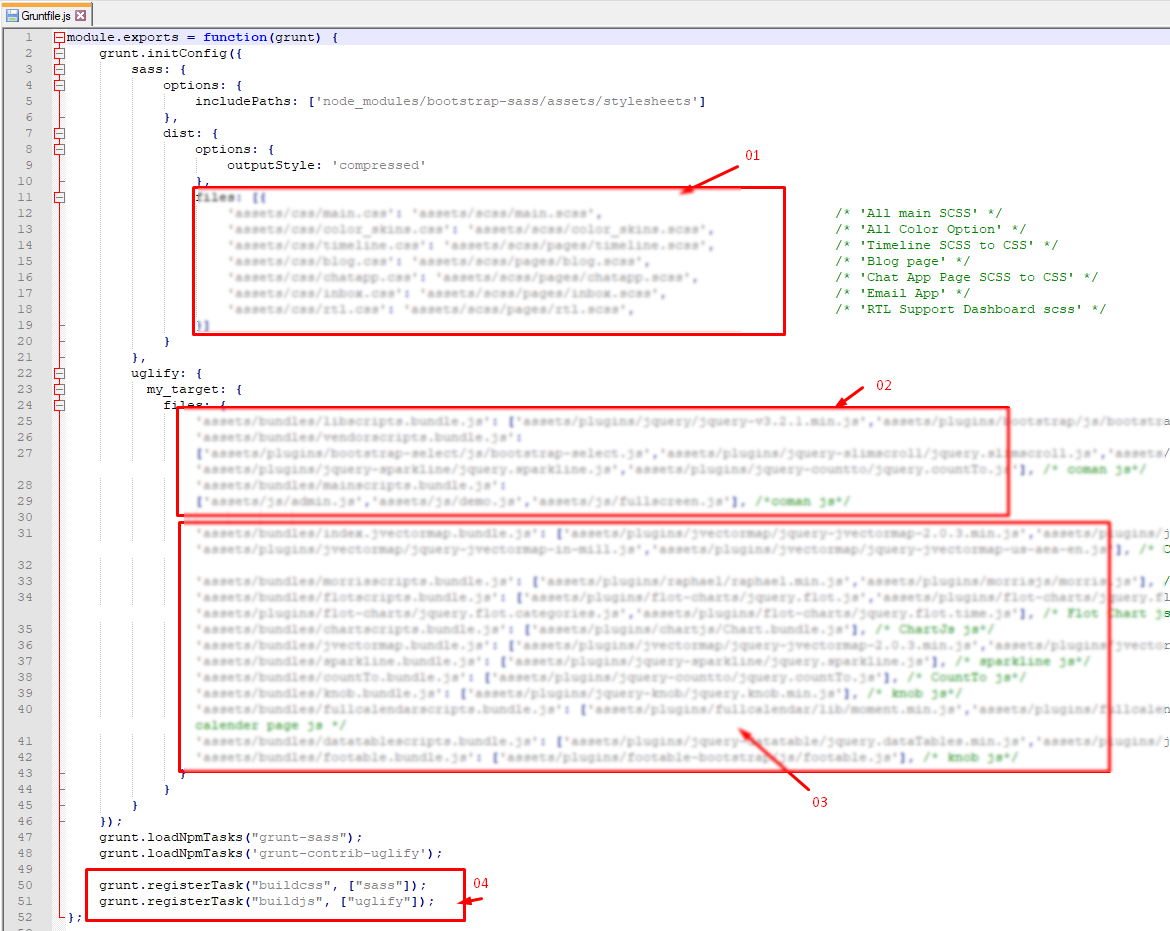
Installing Grunt: Run npm install grunt --save-dev command from your teminal to install grunt within your project.
Grunt Sass: Run grunt sass command from your project directory. It will compile SASS to CSS for the project. This will read the file `assets/scss/filename.scss` and output a plain-css file to `/assets/css/filename.css`.
Grunt JSHint: Run grunt jshint command from your project directory. It will checks all *.js files under `assetsjs/filename` for common syntax or coding errors using the JSHint utility.
Grunt Sprite: Run grunt sprite command from your project directory.
Further help: To get more help on the grunt checkout Grunt
Note: However, any SASS code you write must be able compile via Grunt as well.It will generate pre-compiled javascript templates. Reads all the *.html files from `assets/js/filename` and outputs `assets/js/filename.templates.js`. Template.js will contains code of UI design and will be change each time you build solution through above command.
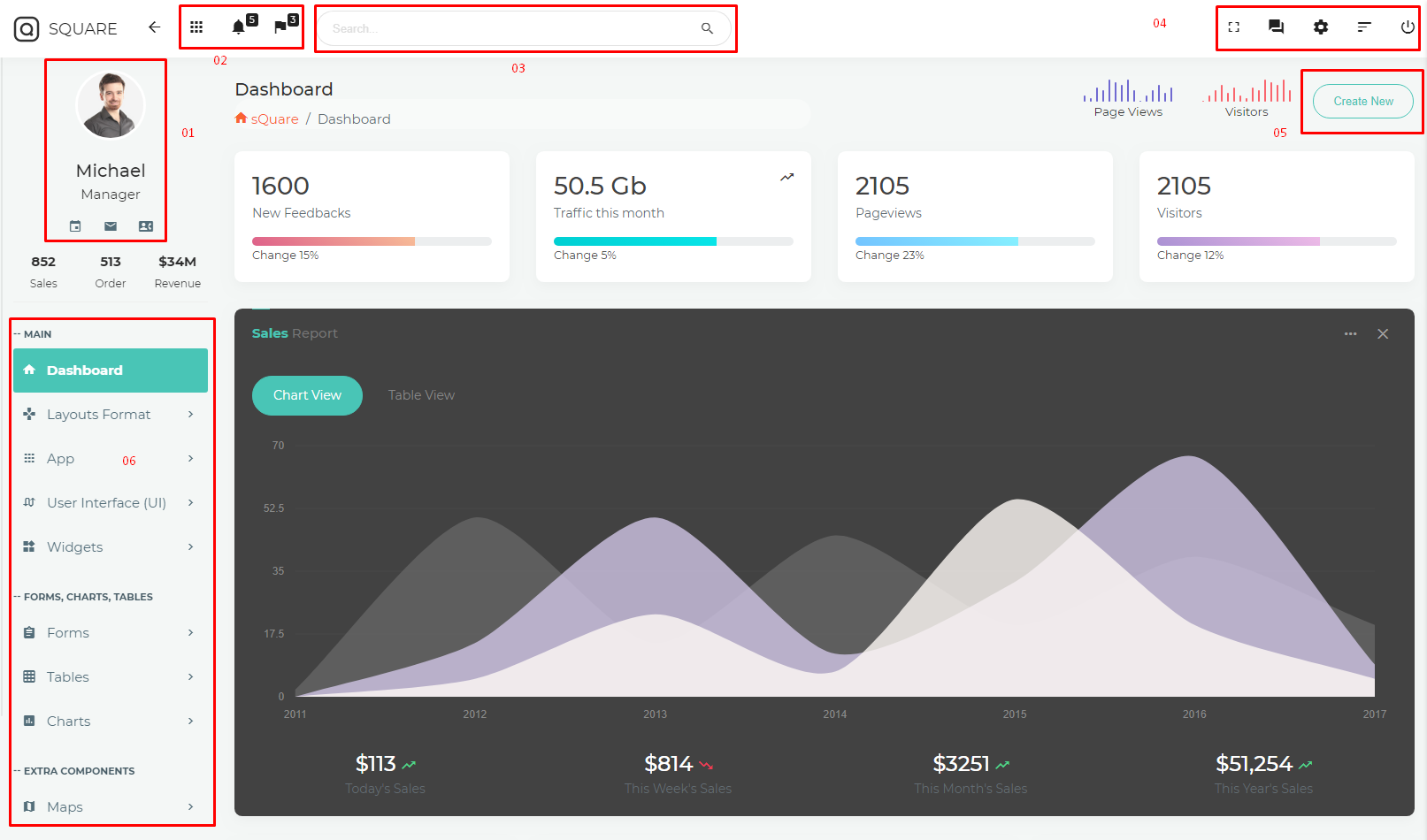
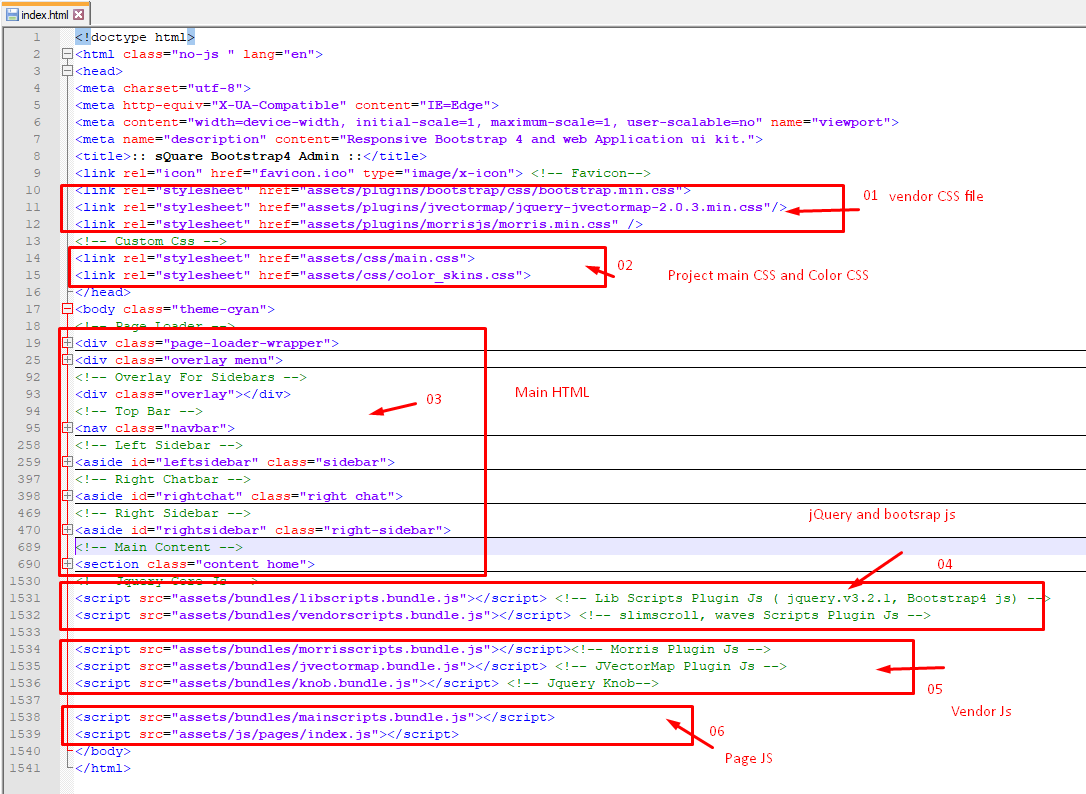
The template consist of following components as show in image below:
Grunt is a JavaScript task runner, a tool used to automatically perform frequent tasks such as minification, compilation, unit testing, and linting. It uses a command-line interface to run custom tasks defined in a file.
<!-- START CONTENT -->
<section id="main-content" class=" ">
    <section class="wrapper">

    <div class='col-lg-12 col-md-12 col-sm-12 '>
        <div class="page-title">
            ...
        </div>
    </div>
    <div class="clearfix"></div>

    <div class="col-lg-12">
        <section class="box ">
            ...
        </section>
    </div>

    </section>
</section>
<!-- END CONTENT -->
HTML/
├── assets/
│   ├── bundles/
│   ├── css/
│   ├── fonts/
│   ├── images/
│   ├── js/
│   ├── ├── Page/
│   ├── plugins/
│   ├── sass/
Please note that all Detail main Web Site, you need to set it up on your project Click Here..
- SCSS
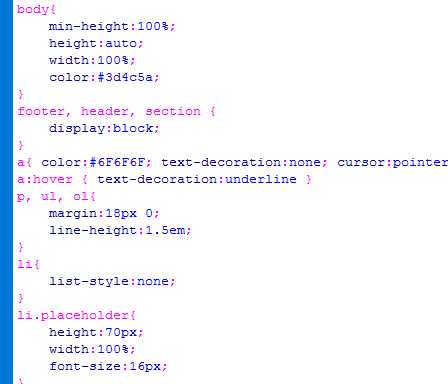
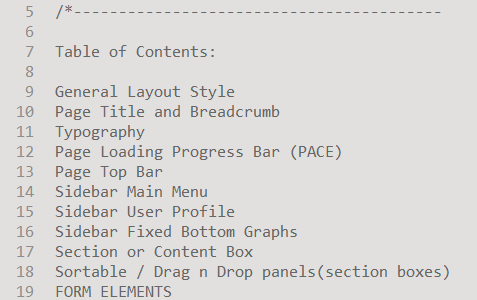
main.css is the main CSS file located in assets/css/ folder of the package. Whole CSS file is well indexed with topic and its related code.
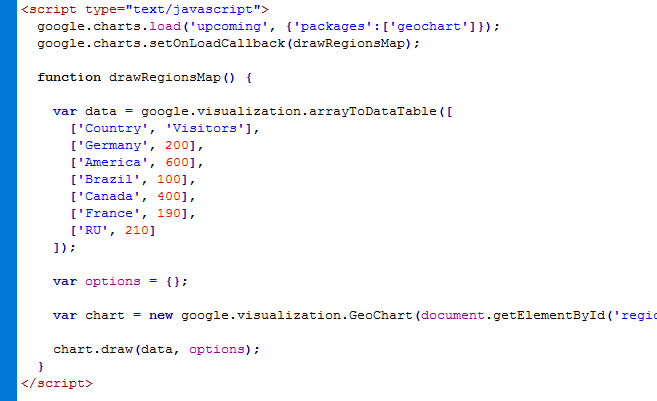
sQuare admin.js is the mail javascript file having all the js code. File is located in assets/js/ folder. This file code is also well formatted and section in different respective function names.
Along with this chart library based js code and dashboard based js code are added in separate files for ease of use of user.
Google fonts are used in the template. They are as follows: Montserrat
Material Design Iconic Font: Click to See
All Images are used: Pexels.com
Once again, thank you so much for purchasing this template. As I said at the beginning, I'd be glad to help you if you have any questions relating to this template.